
You can’t do anything with macros until you have Developer on your ribbon:
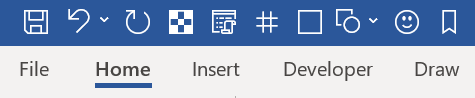
On the File tab, go to Options > Customise Ribbon.
Select Main Tabs then Developer then Add to the box on the right

Use the arrows on the far right if you want to move the Developer box farther along the toolbar
 Chemistry Word VBA macros